About the Anthropic US IPO –
The AI revolution just got a Wall Street wake-up call. On June 1st, Anthropic quietly filed for a confidential U.S. initial public offering—and the move signals something massive is about to happen in the public markets.
This isn’t just another tech IPO. We’re talking about a company that could reshape how investors think about artificial intelligence, corporate valuations, and the future of computing itself.
What Anthropic Just Did (And Why It Matters)
Let’s be clear: Anthropic filing for an IPO is the real deal. The Claude maker—one of the world’s most advanced AI platforms—has officially submitted draft paperwork to the U.S. Securities and Exchange Commission for a potential public listing.
Here’s what makes this significant. Anthropic raised $65 billion in May at a valuation of $965 billion. For context, that’s nearly $1 trillion. The company just leapfrogged OpenAI on the valuation charts, becoming the most valuable AI startup in the world.
To put that in perspective, Anthropic’s valuation has more than doubled since February 2026, when it raised $30 billion at a $380 billion valuation. This acceleration is almost unprecedented in venture capital history.
The filing itself is confidential—meaning Anthropic can gather feedback from regulators before going fully public with its prospectus. This is a smart move. It gives the company flexibility. Once the SEC completes its review, Anthropic can decide whether to move forward, based on market conditions.
The IPO Timeline: What to Expect
Here’s the timeline most people are missing. A confidential IPO filing doesn’t mean an immediate public debut. Think of it as pressing pause.
Anthropic’s official S-1 prospectus will need to be filed publicly at least 15 days before any investor roadshow begins. That means we’re probably looking at a fall 2026 IPO—sometime between September and November, most likely.
Compare this to SpaceX’s trajectory. Elon Musk’s company filed its confidential prospectus on April 1st, then disclosed its public filing on May 20th. The company is now in roadshow mode, with its IPO planned for later this month. That’s roughly 50 days from confidential filing to public launch.
If Anthropic follows a similar timeline, expect the official prospectus around mid-to-late June. Then comes the roadshow, investor presentations, and finally—the big event.
Why This IPO Could Be Historic
Let’s talk about the elephant in the room: Anthropic could become only the second company ever to enter the U.S. public markets with a $1 trillion+ valuation. The first? Apple, back in 2012. That’s it. Just Apple.
But here’s where it gets wild. Three companies could hit that milestone simultaneously in 2026:
- SpaceX ($1.75 trillion valuation)
- Anthropic (~$965 billion, likely to exceed $1 trillion in IPO pricing)
- OpenAI ($852 billion last March, probably higher by IPO time)
This has literally never happened before. Ever. In the entire history of modern capital markets.
The implications? Massive. These listings will reshape major stock indexes like the S&P 500. They’ll influence how trillions of dollars in passive index funds are allocated. They’ll shift investor attention, market flows, and the broader narrative around U.S. equities.
Wall Street experts are watching closely. Some warn that IPOs of this scale could actually drain liquidity from smaller listings. In other words, smaller companies might find it harder to raise capital while Anthropic, SpaceX, and OpenAI command all the attention and investor money.
The Claude Advantage: Why Investors Are Paying Attention
Anthropic isn’t just riding hype. The numbers tell a compelling story.
The company’s revenue run rate exploded to $47 billion in May 2026. That’s up from just $10 billion in annual revenue last year. That’s a nearly 5x increase in one year. For context, most software companies dream of 40-50% year-over-year growth. Anthropic is printing money.
Why? Claude. The AI platform has become essential infrastructure for businesses worldwide.
Claude powers everything from advanced coding assistance (Claude Code is seriously impressive) to customer service automation, content generation, and business intelligence. The demand is there. Customers are paying real money to use the platform because it saves time and money on complex work.
This isn’t speculative AI hype. This is revenue. This is a business model that actually works.
Anthropic vs. OpenAI: The Race is On
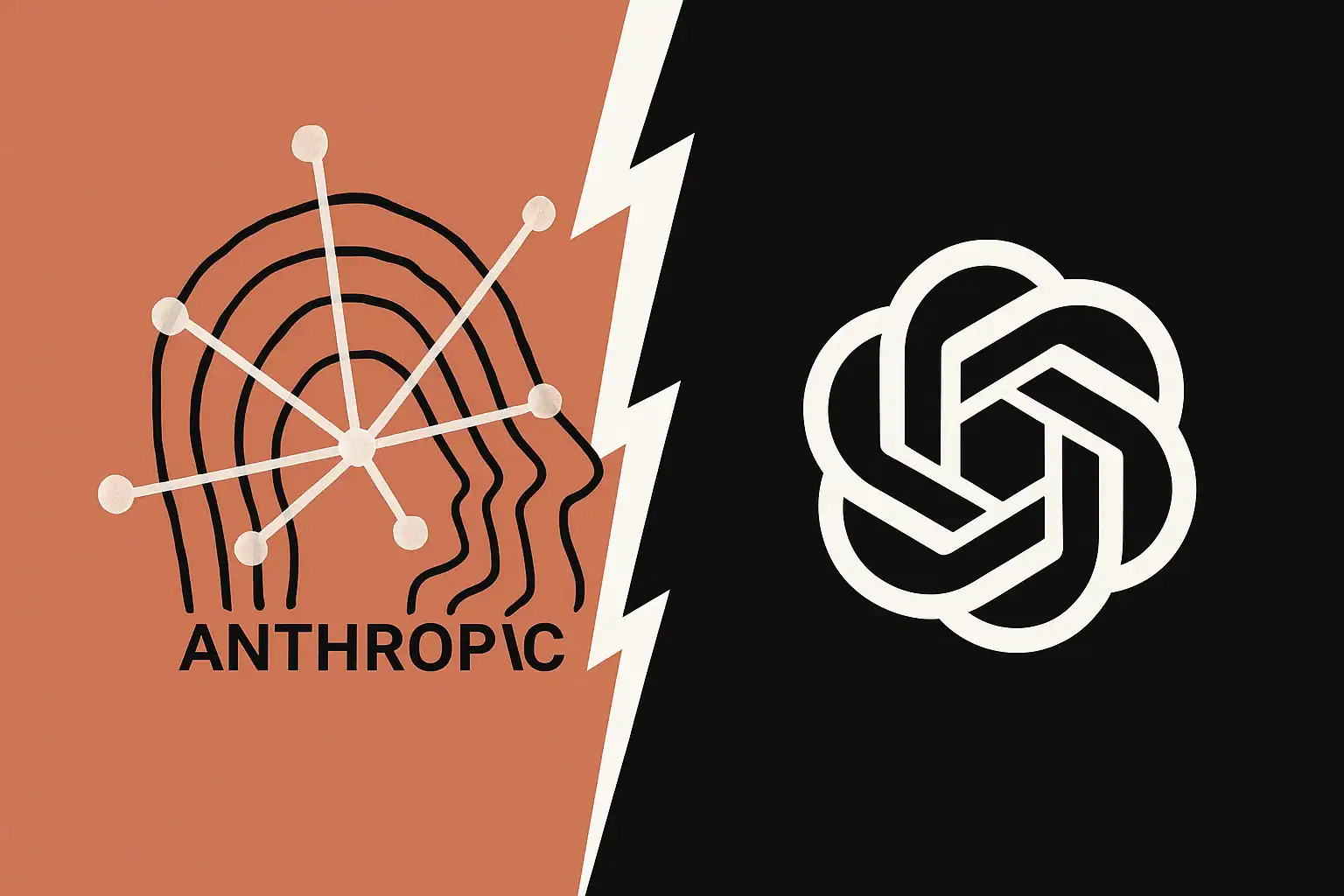
Both Anthropic and OpenAI are racing toward the public markets. And that competitive pressure matters.
OpenAI is preparing its own confidential IPO filing for the coming weeks, with a likely fall debut as well. This means both companies are in a race to see who gets first-mover advantage with Wall Street investors.
Getting out first could give Anthropic more attention and access to a broader pool of capital. It could also mean better terms and pricing. In IPO markets, timing is everything.
Here’s the tension: Anthropic was founded in 2021 by former OpenAI employees who left over concerns about the company’s direction. There’s genuine competitive history here. Both companies have real technology, real traction, and real ambitions to dominate the AI industry for decades to come.
Whoever pulls off a successful IPO first wins a narrative victory. That matters in capital markets more than people realize.
Goldman Sachs, JPMorgan, Morgan Stanley: The Big Guns are In
Behind the scenes, the investment banking powerhouses are moving into position.
Goldman Sachs, JPMorgan Chase, and Morgan Stanley are all expected to play key roles in managing Anthropic’s IPO. These are the firms that handle mega-deals. They have the relationships, the distribution networks, and the expertise to place shares with the world’s largest investors.
Having these banks involved signals that the Street takes this seriously. This isn’t a mid-cap tech IPO. This is the kind of event that moves markets.
What This Means for AI’s Future
Let’s zoom out for a second. The Anthropic US IPO isn’t just about one company. It’s a referendum on whether investors actually believe in artificial intelligence as a transformational technology.
For years, we’ve heard the hype. “AI will change everything.” “AI is bigger than the internet.” “Every company will be an AI company.”
But valuations and IPOs are where beliefs become real. They’re where money—actual investor capital—gets deployed based on genuine conviction about future growth.
The fact that Anthropic can raise $65 billion at $965 billion valuation suggests the market believes. The fact that two other companies are doing similar things simultaneously reinforces that belief.
Of course, skeptics are right to point out a crucial risk: What if AI doesn’t live up to the hype? What if growth slows? What if regulatory pressure increases? These are legitimate concerns, and they could impact IPO pricing and stock performance.
But right now, in June 2026, the momentum is clearly with the AI bulls.
The Timing Angle: Why Now?
You might be wondering why Anthropic is moving toward an IPO right now.
Several factors converge here. First, Anthropic’s financials have never looked better. A $47 billion revenue run rate is the kind of growth that justifies a mega-IPO. Second, the IPO market is warming up after a slow few years. SpaceX’s success will clear the path for others.
Third—and this is crucial—the competitive pressure from OpenAI forces Anthropic’s hand. If you wait too long, your competitor goes public first and captures investor mindshare. That’s a real penalty in capital markets.
Finally, having massive private valuation is nice, but it doesn’t fully unlock shareholder value. An IPO creates true liquidity. Early employees, investors, and founders can actually cash out. That’s a massive draw.
What Happens Next?
The calendar now shows a clear sequence:
- Late June 2026: Anthropic likely files public S-1 prospectus
- July-August 2026: Investor roadshow and market preparation
- September-November 2026: IPO execution (most likely)
Between now and then, expect constant headlines. Every earnings update, every competitive move from OpenAI, every regulatory comment on AI will be analyzed as potential IPO impact.
The investment banking teams are already working around the clock. Stock analysts are already running models on what Anthropic’s public market valuation might be. Big institutional investors are already deciding whether they want to participate.
This is what a watershed moment in markets looks like.
The Bottom Line
Anthropic’s confidential IPO filing is about way more than one company going public. It’s a signal that Wall Street is ready to bet real money on the AI revolution.
The numbers back it up. $965 billion valuation. $47 billion revenue run rate. Explosive growth. Legitimate competitive advantage with Claude. These aren’t made-up metrics designed to pump a stock. These are real fundamentals.
Will the IPO happen exactly as everyone expects? Probably not. Markets are unpredictable. Conditions could change. Regulatory concerns could emerge.
But the direction is clear. Anthropic, OpenAI, and SpaceX are all headed to the public markets with historic valuations. That’s not hype. That’s capital market reality unfolding in real time.
The AI investment buzz? It’s just getting started.
Read More:
M5 MacBook Pro review: exceptional performance leap or minor upgrade?
M5 iPad Pro review: hands-on testing and M4 upgrade check
ChatGPT Go free in India — OpenAI’s biggest expansion for Indian users in 2025
Redmi K90 Pro Max Launched: The Ultimate Value Flagship of 2025?
iPhone 17 Review: Smarter, Sleeker, Stronger
iPhone 17 Pro Max – The Most Powerful iPhone Yet
Best 5 Camera Phones in India for Stunning Photos (2025) – Full Reviews